

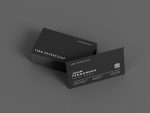
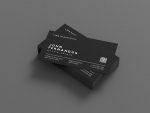
Barber Business Card Template — Minimal Black Design with QR Code
$8.00 + VAT
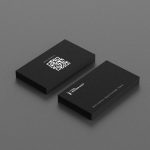
A sharp, print-ready business card built for barbers who take their image seriously. Editable in Canva — add your shop name, QR booking link, and social handles in minutes.
Most barbers hand out a phone number scribbled on a receipt, or nothing at all — and then wonder why new clients don’t come back.
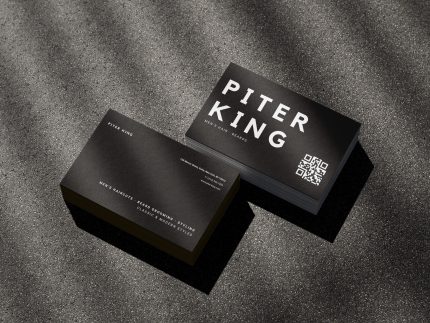
This double-sided business card template was built for barbers and barbershop owners who want to look like the real deal without spending hours in Canva starting from scratch. Black. Clean. The kind of card a client actually keeps.
What’s inside:
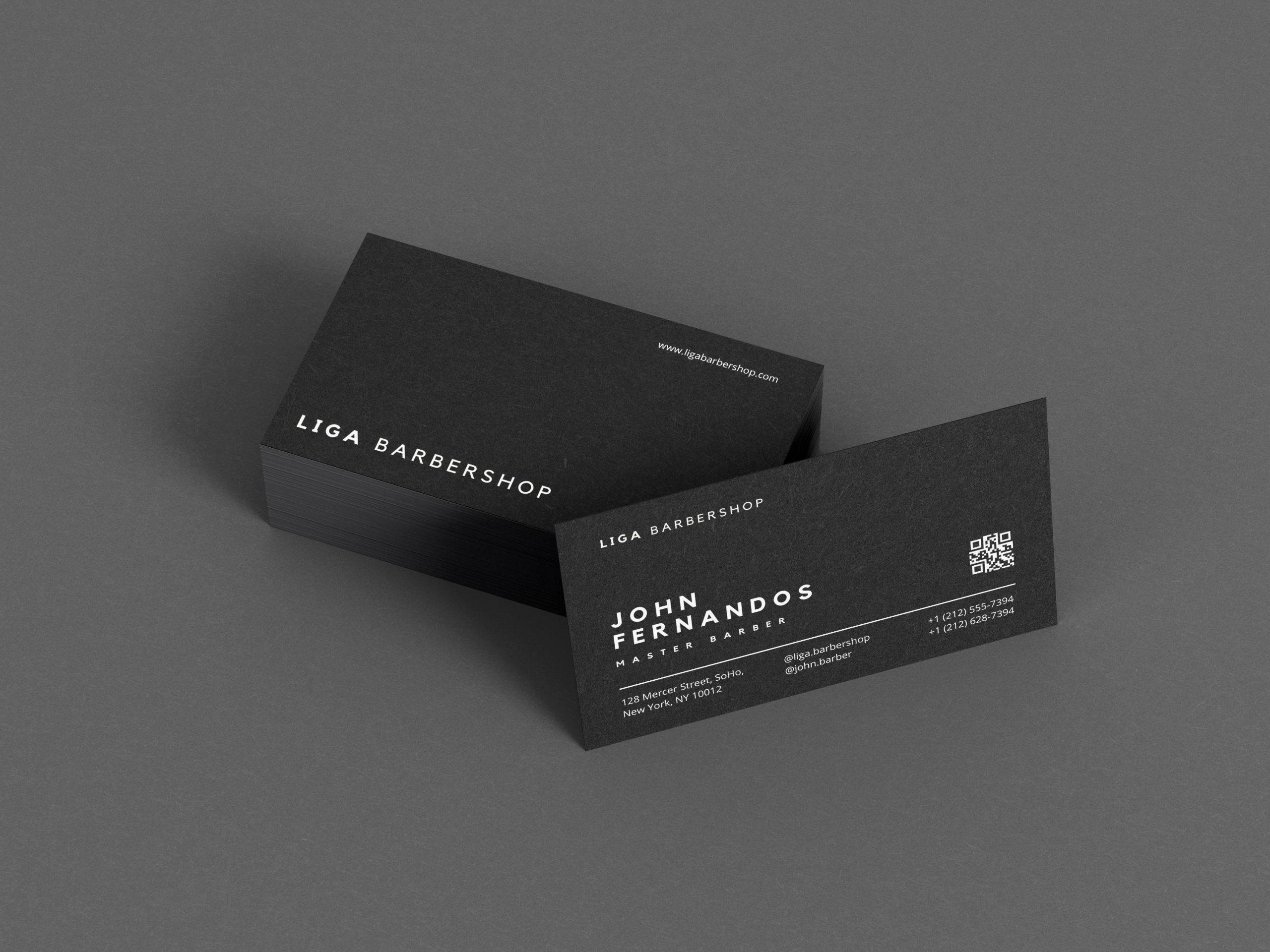
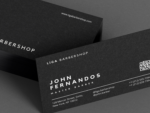
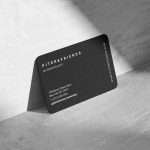
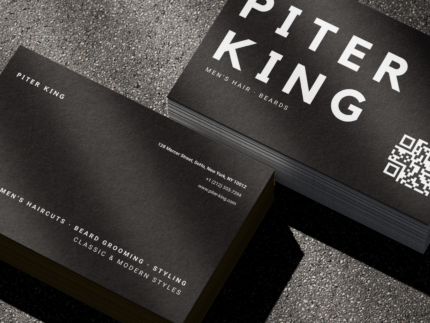
- Front face — shop identity: barbershop name and website URL, laid out in a tight minimal typographic grid that reads instantly
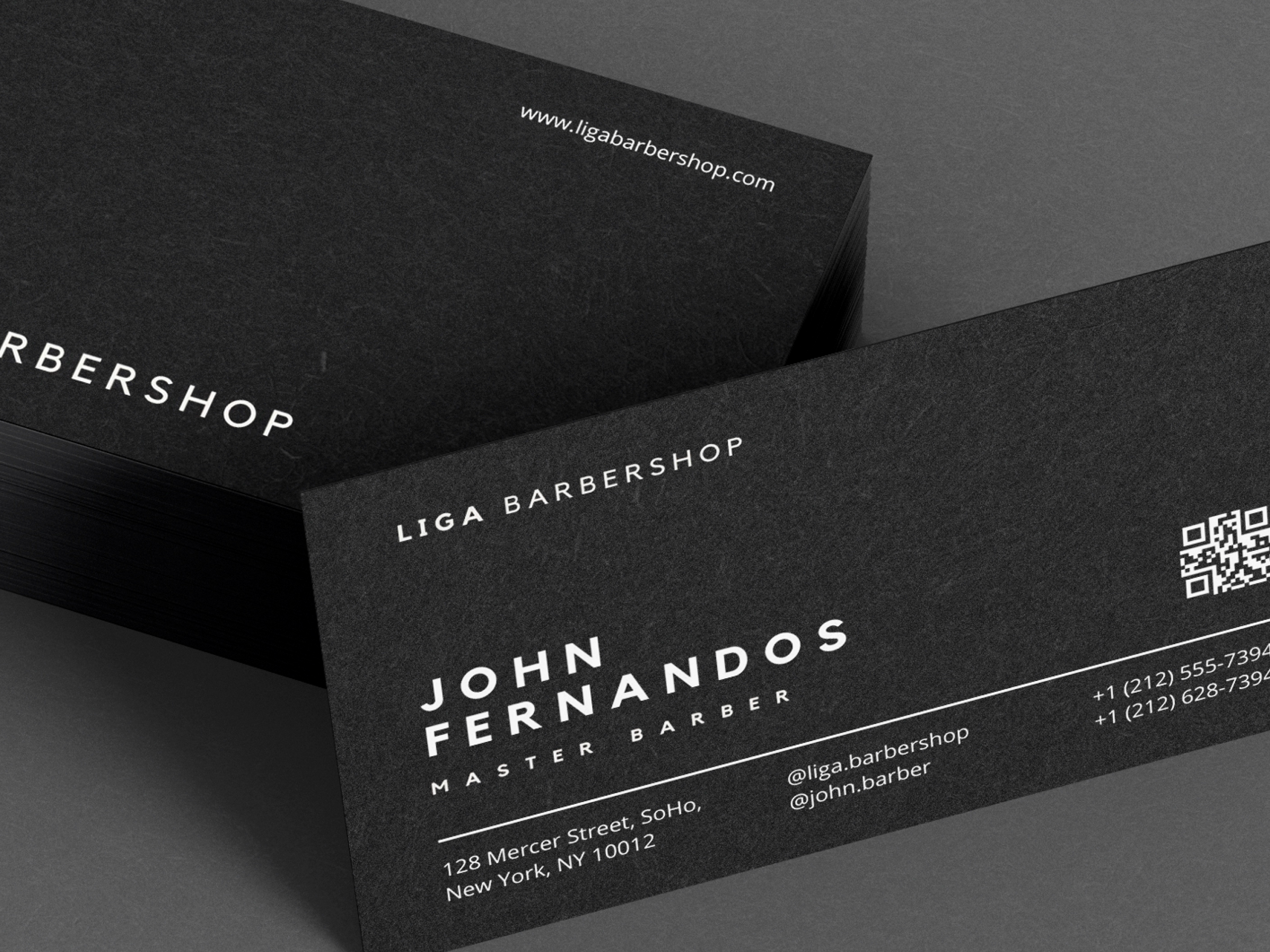
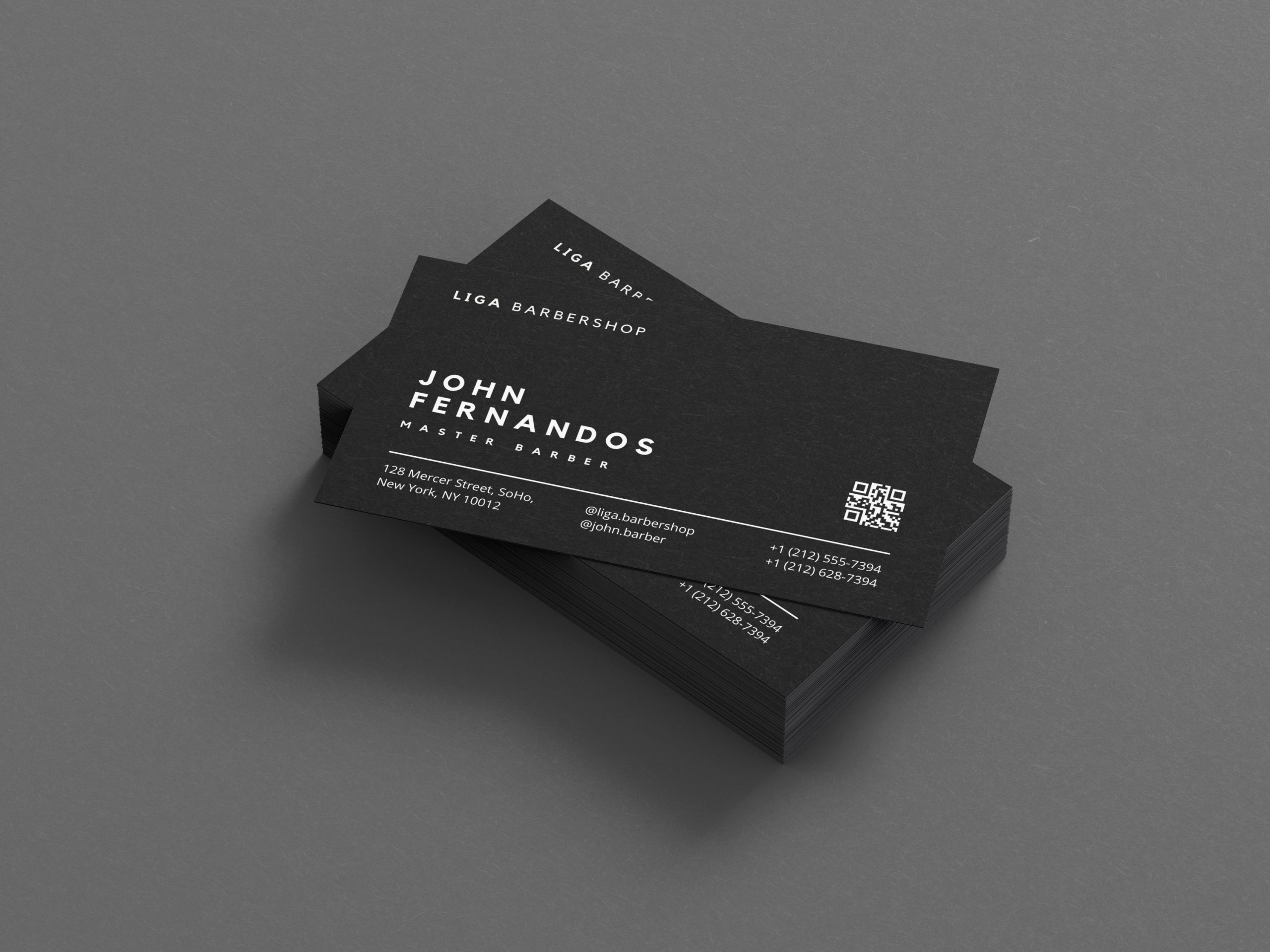
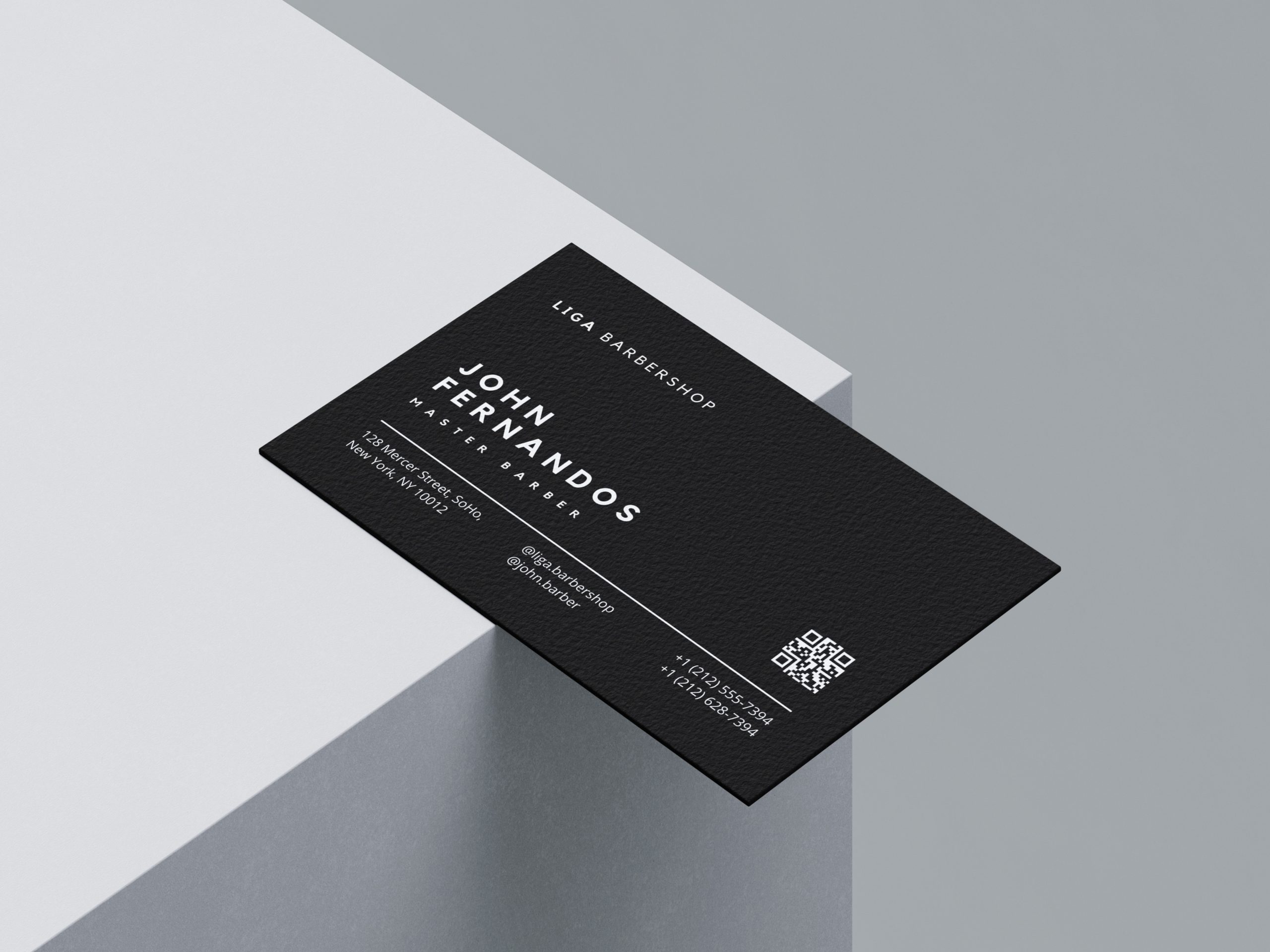
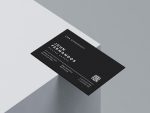
- Back face — master profile: barber’s name, position title, and a QR code that links directly to their booking page — so anyone who picks up the card can book in two taps
- Contact block: physical address, phone number, and social media handles arranged in a scannable format with no visual clutter
- Fully editable in Canva: swap colours, fonts, and all text fields in minutes — no design skills required
- Print-ready dimensions: sized to standard business card specs (85×55mm / 3.5×2 inch) with correct bleed and safe zone guides built in
- One template, multiple masters: duplicate the back-face design for each barber in your shop — same brand, individual booking QRs
- Black-on-black option included: a near-matte variant for shops that want a tactile, premium feel when printed on soft-touch card stock
This template is for the barber who just went independent and needs to look established from day one, and for the shop owner who wants every master carrying branded materials that point clients back to the business — not just the individual’s Instagram.
Part of the Groomkit.pro business toolkit, this card template sits alongside booking scripts, price list designs, and client retention tools built specifically for the grooming industry. Everything is designed to be picked up and used within an hour — not customised over a weekend.
Download it once, use it for every hire you make.
FAQ
Does this work if I rent a chair and the shop has its own branding? Yes — the front of the card is designed for the shop’s name and website, while the back is personalised per master. If you’re renting independently, simply replace the shop fields with your own trading name and booking link. The layout adapts cleanly either way.
What format does this come in? The template is a Canva file — you’ll receive a direct link to edit it in your free or Pro Canva account. No Photoshop, Illustrator, or design experience needed. Once edited, you export it as a print-ready PDF directly from Canva and send it to any local or online print shop.
Do I need design skills to edit this? None at all. Every element is clearly labelled in the Canva file — click a text field, type your details, replace the QR code image with your own, and you’re done. Most barbers complete the edit in under 20 minutes. Groomkit.pro templates are specifically tested for ease of use by people who cut hair, not graphic designers.
Can I use this if I’m just setting up my first shop or going solo for the first time? Absolutely — this template is particularly well-suited to barbers starting out, because it forces you to nail the basics: a clean booking link, a consistent brand presentation, and professional contact details all in one place. It’s one of the fastest ways to signal credibility to new clients from the very first interaction.
Why does the QR code go on the back rather than the front? The front is for brand recognition — the shop name and web address need to register at a glance. The QR code on the back is for action — the client picks up the card, flips it over, and books. This separation of brand versus function is intentional, and it’s why this layout converts better than designs that try to do everything on one face. It mirrors how premium hospitality businesses handle their cards.
| Format | Canva |
|---|---|
| Goal | Get More Clients |
| Role | Shop Owner |
| Product Type | Business Card |
Only logged in customers who have purchased this product may leave a review.
You may also like…
Related products

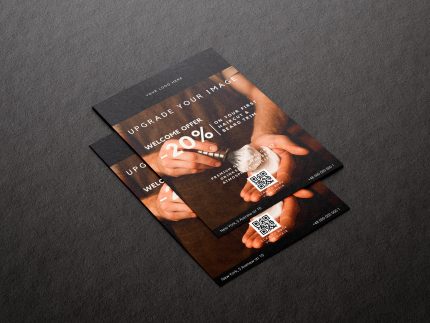
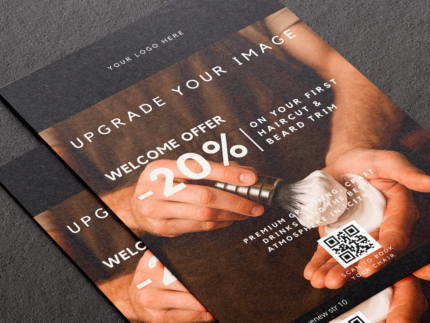
Barbershop Referral Flyer Template – Welcome Offer – 20% Off promotion (Canva A5)
A professional A5 barbershop flyer template designed to attract new clients with a Welcome Offer – 20% Off promotion.
The minimalist Canva design includes space for your logo, photo, QR booking code, phone number and address so clients can easily book their first visit.
Edit everything in minutes and launch your promotion without hiring a designer.
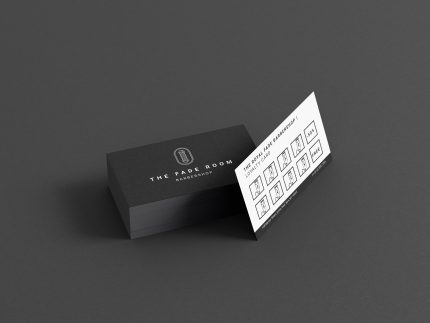
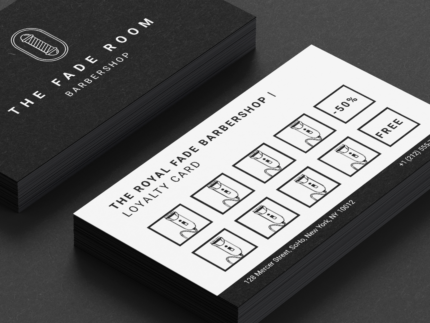
Barbershop Stamp Card Template — Clipper Icons, Black and White Canva
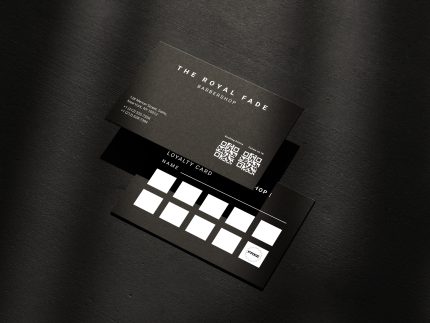
Give clients a reason to come back that fits in their wallet. This black-and-white barbershop stamp card features styled clipper icons in each visit slot, a 50% reward at visit five, and a free cut at visit ten — all editable in Canva and ready to print. A loyalty card that actually looks like it belongs in a premium barbershop.
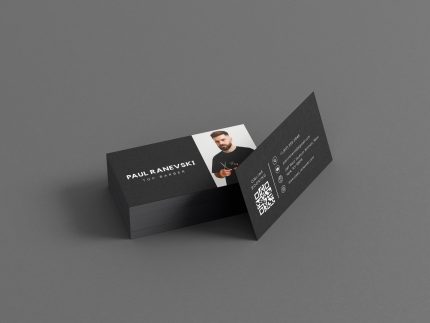
Freelance Barber Contact Card — Photo Front, QR Code and Website Back
Put your face and your booking link on the same card. This minimal black barber contact card features your photo and name on the front, with a bold QR code, email, phone, address, and website on the reverse — everything a new client needs to find and rebook you. Editable in Canva, no design skills needed.
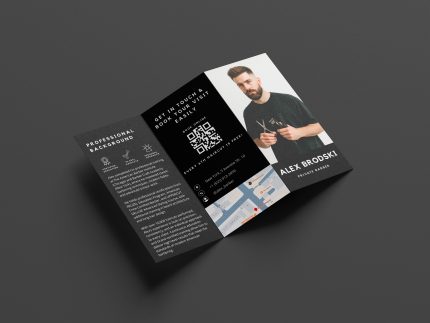
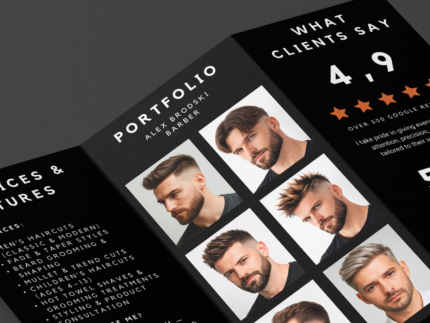
Premium Barber Trifold Brochure Template – Dark Minimalism for Personal Barbers Branding
This product is a digital trifold brochure template designed for independent barbers and top stylists. Created in Canva specifically to promote your personal brand, it focuses on social proof and conversion. The template includes sections for your portfolio, client testimonials, professional biography, price list, and a QR code for direct bookings. Designed in a Dark Minimalism style, it’s perfect for local offline marketing, whether you’re moving to a rented chair or opening your own private studio.
Reviews
There are no reviews yet.