
Insights
Social Media for Barbers: Where to Start (Without Losing a Week to It)
You know you should be posting. You also know the last time you posted was three weeks ago, it was a blurry photo of a fade taken between clients, and it got four likes.
That’s not a discipline problem. That’s a social media for barber problem — the gap between knowing you need a presence and actually having the time, tools, or design skills to build one while you’re on your feet cutting hair nine hours a day.
This post is about closing that gap. Not with “post consistently!” advice you’ve already heard, but with the actual platforms, content types, and shortcuts that get a barbershop’s feed looking like a real business instead of an afterthought.
Why an inconsistent feed is quietly costing you clients
Here's the part that doesn't get said enough: a dead or messy Instagram doesn't just look unprofessional — it actively works against you.
New clients check your profile before they book. If the last post is from a month ago, that's a signal, even if the shop itself is thriving — and it's one of the same reasons barbers lose clients after their first visit. No before/afters, no price list, no sense of who's actually behind the chair. They scroll past and book with the barber whose grid looks alive, even if the work is comparable.
And the algorithm punishes gaps too. Accounts that post sporadically get shown to fewer people between bursts of activity, so every time you go quiet, you're starting from a smaller audience than before. The barbers who "grow social media for barber" businesses successfully aren't posting more talented content — they're just posting consistently enough that the algorithm and the client both trust the account is active.
The fix isn't more effort. It's removing the friction that makes posting feel like a second job.
What social media platforms are most effective for barbers?
Short answer: Instagram first, TikTok/Reels second, Facebook and Pinterest as support.
- Instagram is where barbershop clients actually look before booking. Feed posts, Highlights, and Stories cover discovery, credibility, and daily reminders.
- TikTok and Instagram Reels are the best social media platforms for barbers to showcase their work in motion — transformation clips and fade close-ups outperform static photos for reach, especially with new accounts.
- Facebook still matters for local, older clientele and for appearing in neighborhood groups.
- Pinterest works quietly in the background for style inspiration searches ("mid fade haircut," "beard trim styles") and can drive traffic long after a pin is posted.
You don't need to be great on all four. Pick Instagram as the home base, add Reels for reach, and treat the rest as secondary.
How to create a social media marketing plan for a barber shop (the simple version)
A marketing plan doesn't need a strategy deck. It needs a repeatable structure so you're never staring at a blank screen:
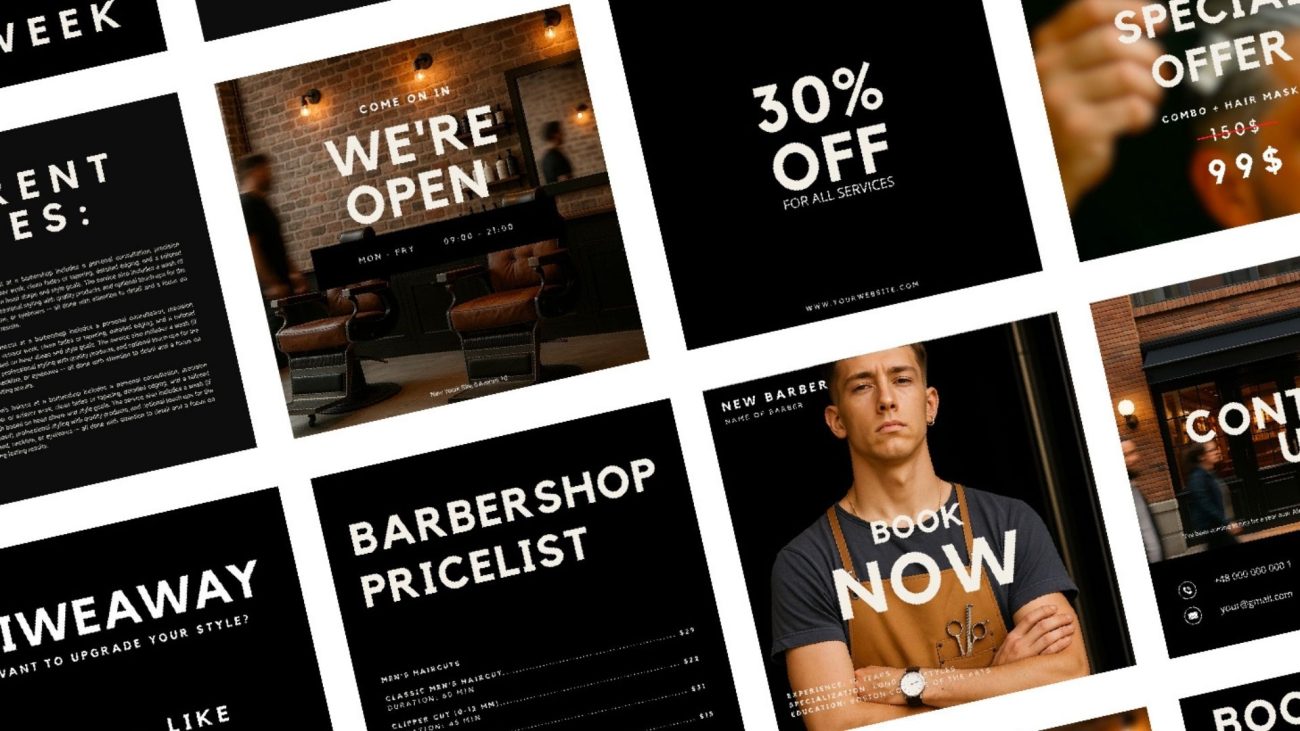
- Pick 3–4 recurring post types — before/after, price list, availability/booking slots, client feedback. These cover 80% of what a barbershop actually needs to say.
- Batch content on a slow day. Take ten photos in one sitting, and you've got two weeks of material.
- Post 2–3 times a week, not daily. Consistency beats volume — a shop posting three solid times a week outperforms one posting daily with filler.
- Reuse the same visual template so the profile looks cohesive rather than like ten different people are running it.
That last point is where most solo shops fall apart — not because they lack content ideas, but because every post is designed from scratch, in a different style, and it shows.
What kind of photos should a barber post on social media?
The photos that convert aren't the ones you'd expect. Ranked by what actually gets bookings:
- Clean before/after shots — the single highest-converting post type for a barbershop.
- Close-ups of finished work — line-ups, fades, beard shaping. Detail sells the skill.
- The chair and shop interior — builds trust before someone's ever visited.
- The barber at work, mid-cut — humanizes the account, especially for solo barbers building a personal brand.
Skip staged "lifestyle" shots of coffee cups and product flat-lays unless you're also posting the work. Barbershop followers came for the haircuts.
How to use hashtags effectively for a barber's social media
Hashtags for a barbershop work best when they're specific, not broad. #barber gets buried in millions of posts; #[yourcity]barber or #[yourcity]fade puts you in front of the people who can actually book you.
A workable mix: 2–3 local tags (city + neighborhood), 2–3 niche tags (#skinfade, #beardtrim), and 1–2 broader ones for reach. More than 10–15 total starts to look spammy and doesn't add much.
How can a barber create engaging video content for social media?
Video doesn't need to be elaborate. The formats that consistently perform for barbershops:
- Transformation clips — 10–15 seconds, before to after, with a quick cut on the reveal.
- Technique close-ups — the razor line, the fade blend — satisfying to watch even without sound.
- "How often should I get a haircut" style explainers — short, useful, and shareable beyond just your existing followers.
You don't need editing software. Phone camera, natural light near the window, and a free Canva or CapCut template for the text overlay is enough.
Do you need a social media manager for a barber shop?
Probably not, and this is the objection worth addressing directly: hiring a social media manager for a barber shop typically runs $300–800/month for a solo operator's budget, and most of what they'd do is exactly what a good template system replaces — a repeatable visual structure, a content calendar, and photos that don't need a shoot.
Where a manager earns their fee is strategy and paid ads at scale. For a single shop trying to post consistently and look professional, that's overkill. The gap is design and structure, not strategy — and that's a much cheaper problem to solve.
The best tools for scheduling social media posts for a barber shop
You don't need enterprise software here either:
- Meta Business Suite (free) — schedule Instagram and Facebook posts natively, no third-party app needed.
- Later or Buffer — useful once you're managing multiple platforms or want visual grid planning.
- Canva — not a scheduler, but where the actual templates get built and edited before they're scheduled anywhere.
Where the actual bottleneck is — and the fix
Realistically, the barbers who go quiet on social media aren't lacking a plan. They're lacking a template they can open, swap a photo into, and post in under five minutes.
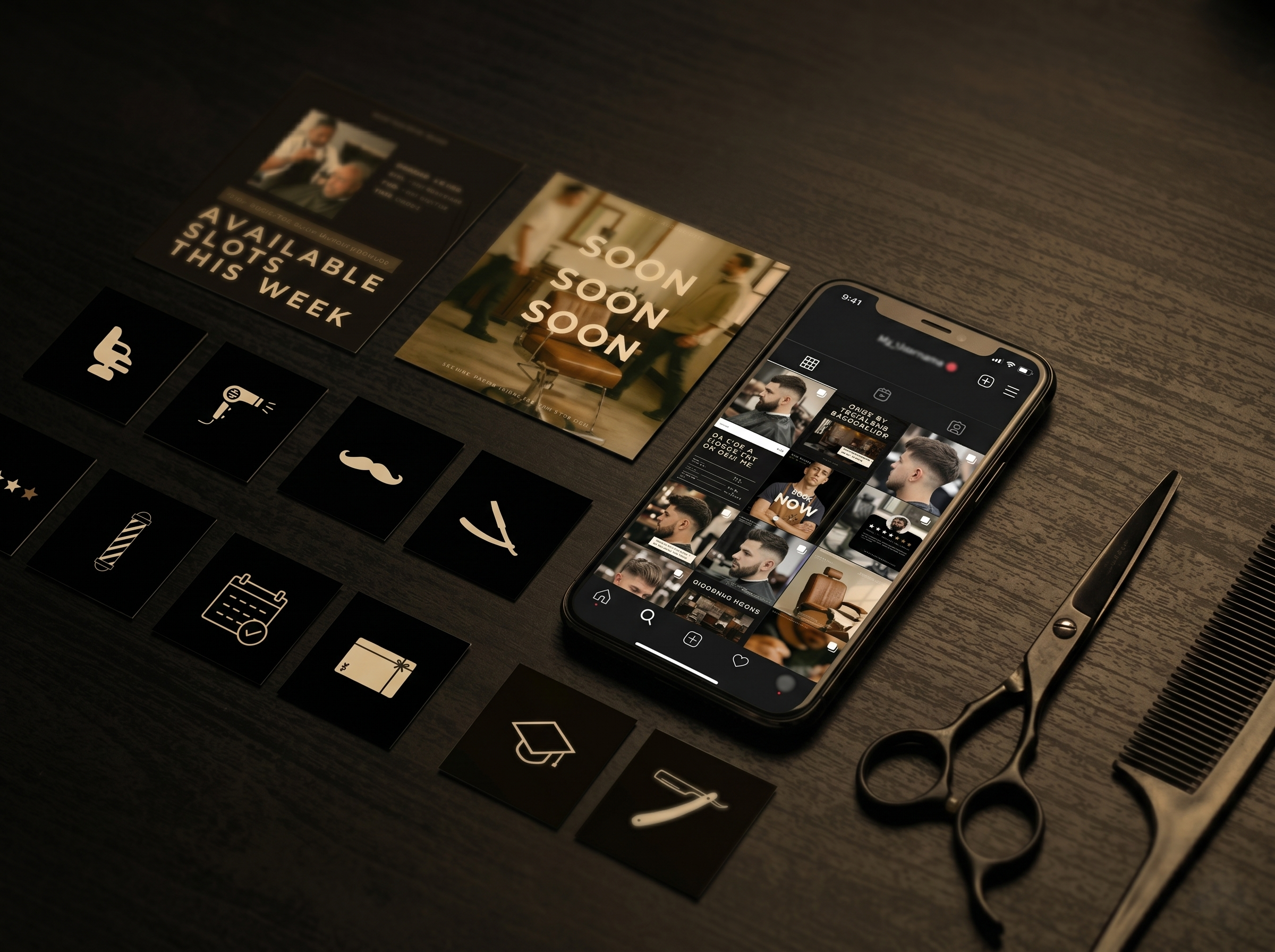
That's the part Groomkit.pro's 50 Barbershop Instagram Post Templates were built to remove. It's a Canva-based kit covering the recurring post types above — before/afters, price lists, availability, promos, guest feedback — already designed, already sized correctly for Instagram, Facebook, and Pinterest, with photos included if you don't have your own on hand yet. Open it, change the text, post. It's one piece of a small toolkit built by someone who's actually run barbershop marketing, not a general design template pack repurposed for men's grooming.
If a done-for-you system isn't the right fit yet, the plan above works fine on its own with just Canva's free tier and a Sunday afternoon.
Where to start this week
Don't try to fix the whole feed at once. Pick one action:
- No posts in the last two weeks? Post a before/after this week using your phone camera.
- Feed looks inconsistent? Batch four photos on your next slow day and schedule them in Meta Business Suite.
- Out of ideas entirely? Browse the templates and see if a done-for-you structure solves the friction faster than building your own.
Social media for a barbershop isn't about becoming a content creator. It's about looking as good online as your work looks in the chair.
Quick answers
Instagram for discovery and credibility, Reels/TikTok for reach through transformation videos, Facebook for local reach, and Pinterest for long-term style-search traffic.
Pick 3–4 recurring post types (before/after, pricing, availability, feedback), batch photos on a slow day, post 2–3 times a week, and reuse one visual template for consistency — a ready-made template pack works if you'd rather not build one from scratch.
Before/after shots convert best, followed by close-up detail work, shop interior, and the barber mid-cut. Skip generic lifestyle shots.
Meta Business Suite (free) for native Instagram/Facebook scheduling, with Later or Buffer once managing multiple platforms.
Usually not. Most of the value a manager provides — structure and consistent visuals — is solved more cheaply with a ready-made template system and a fixed posting schedule.